weDocs Pro v1.4.0 – Glossary Tooltips and AI-Powered Doc Management
Release Notes: Pro v1.4.0
🗓️ September 24, 2026
New
✨ What’s New
Explain Terms Without Interrupting the Reader:
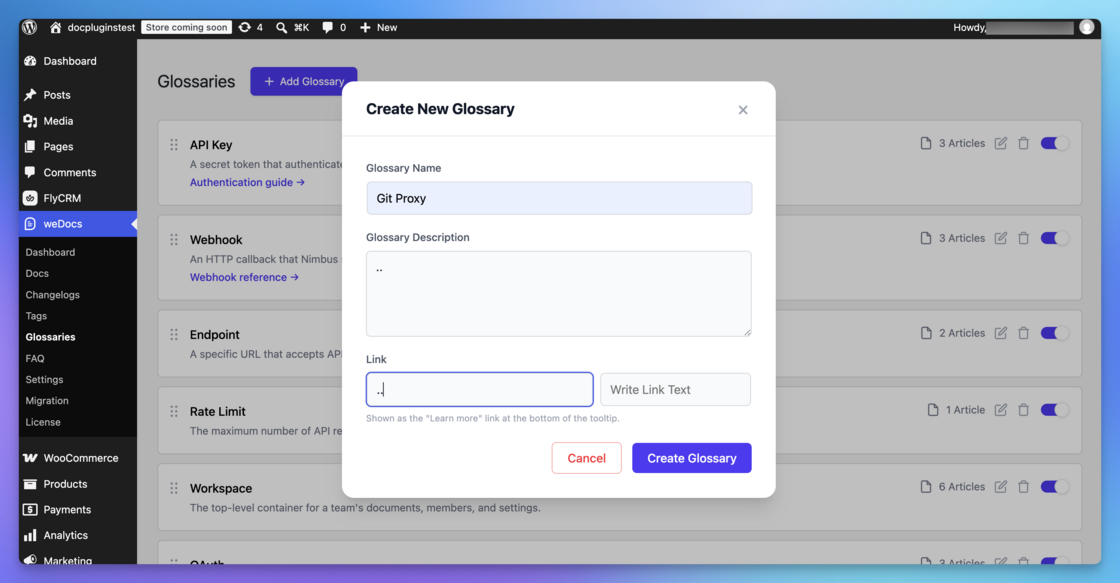
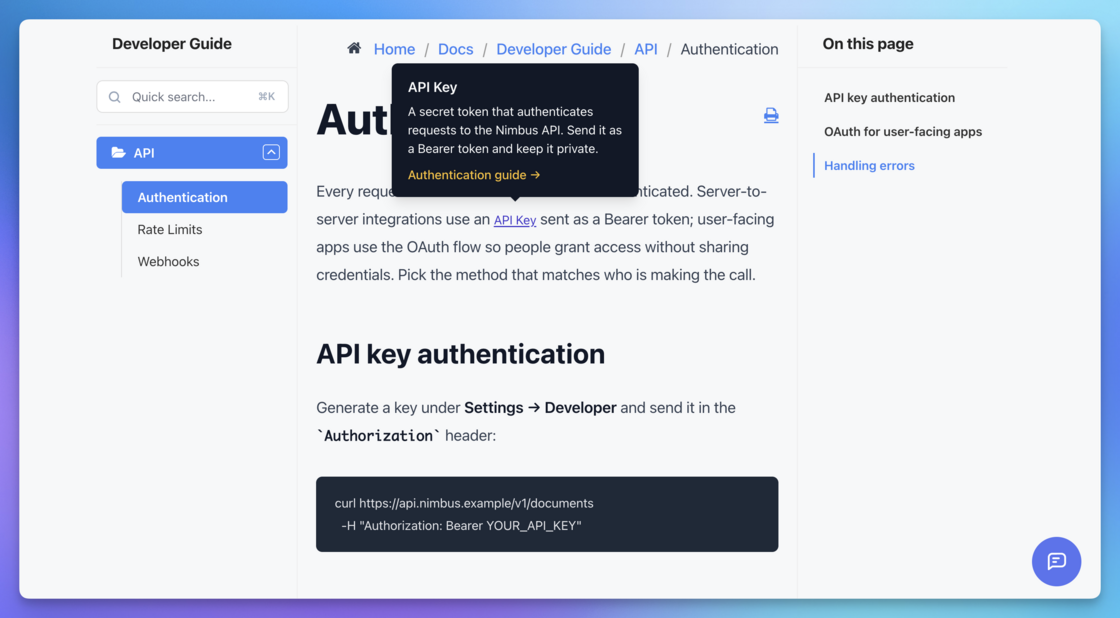
- Introducing the Glossary: Define a term once and let weDocs do the rest. The new Glossary automatically highlights your terms across your docs and shows the definition in a tooltip on hover — with its own admin screen and style settings so it matches your brand. No more repeating definitions or breaking a reader’s flow.
Let AI Help You Write and Maintain Docs:
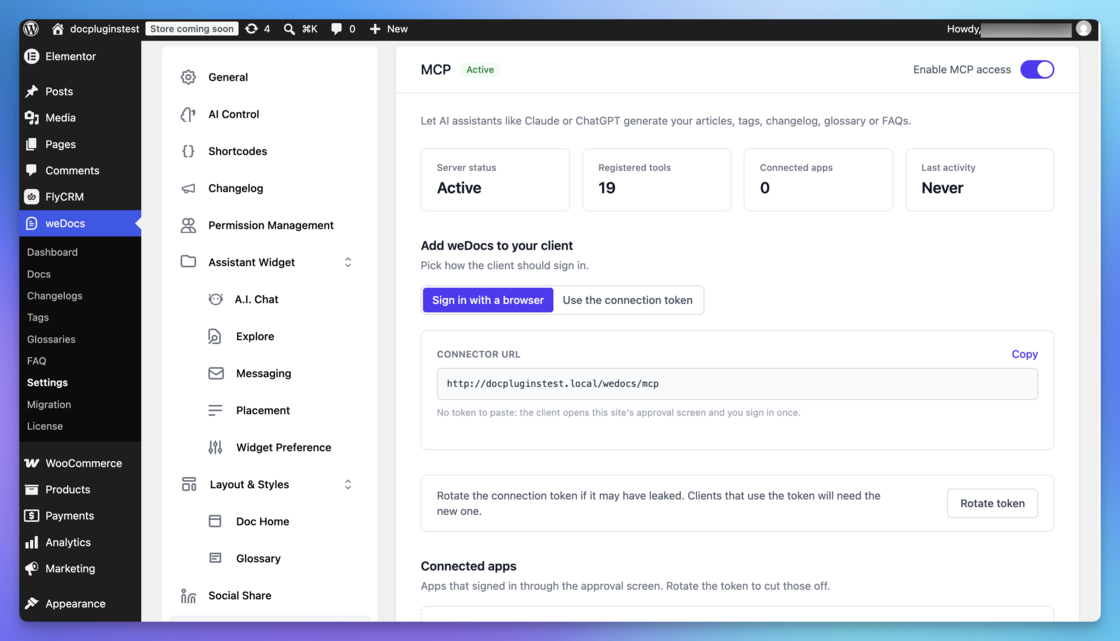
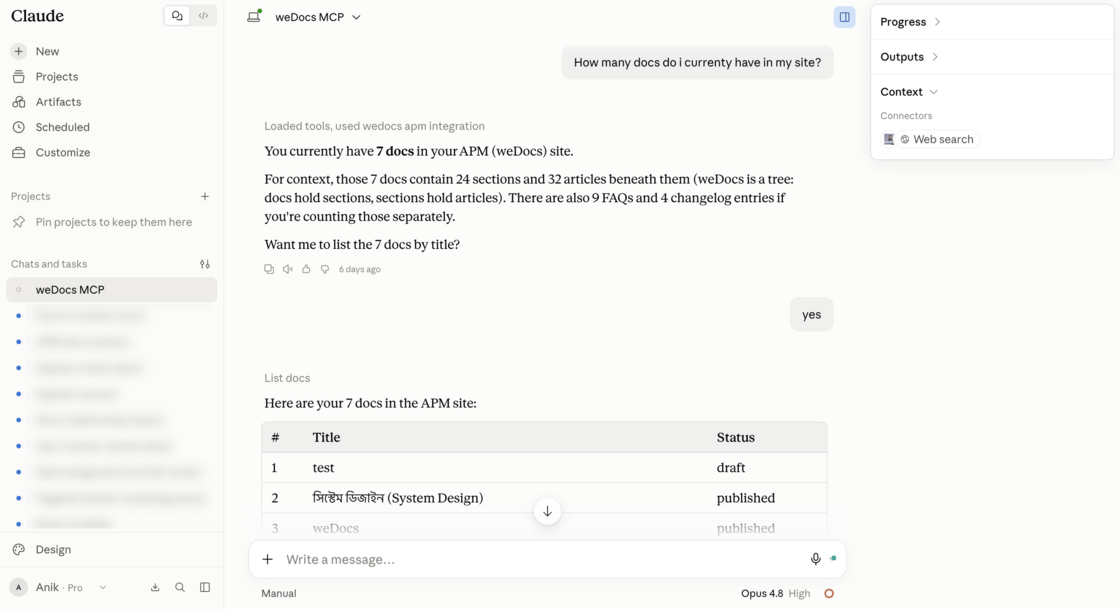
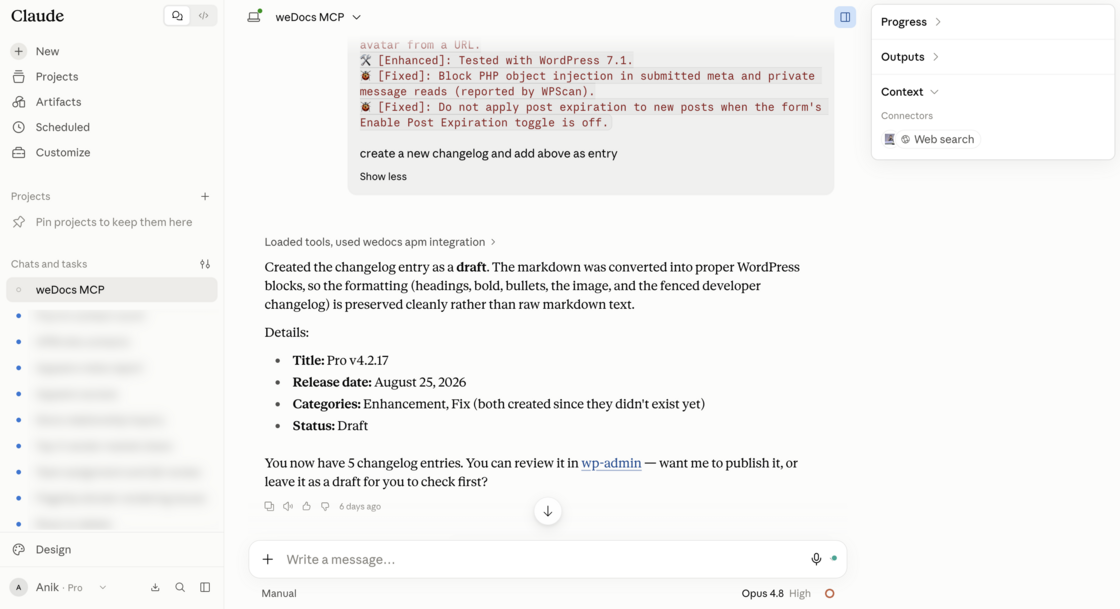
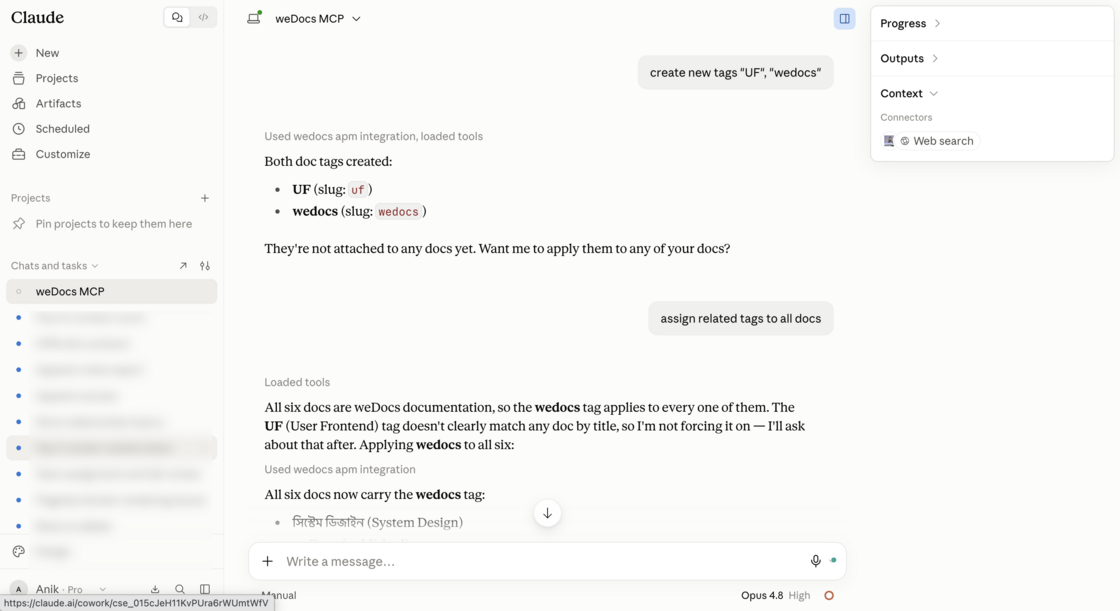
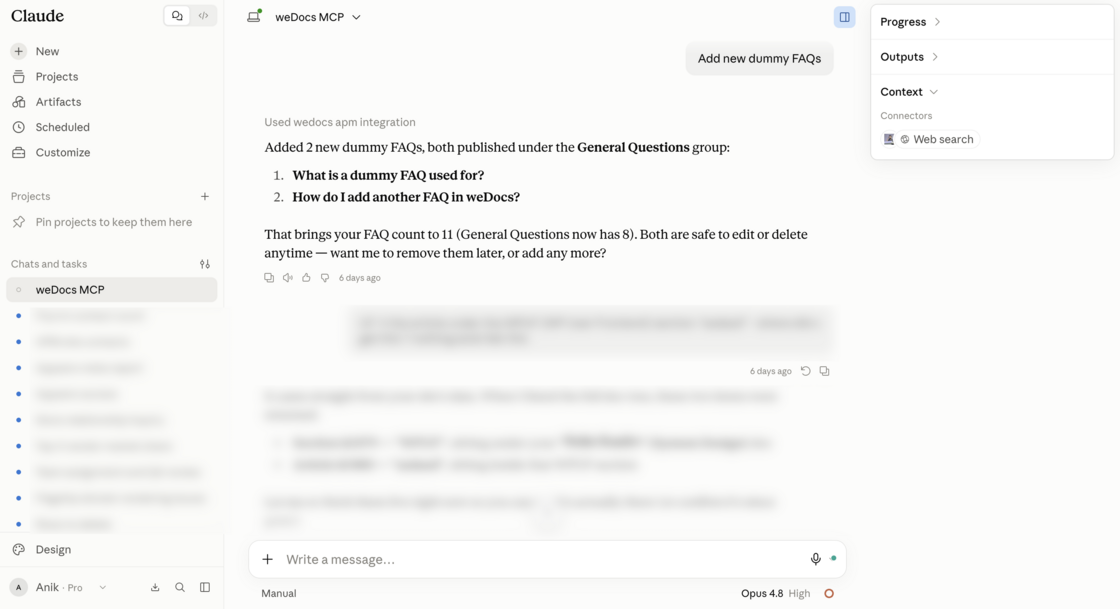
- Connect weDocs to AI Assistants: You can now connect weDocs to AI assistants like Claude or ChatGPT over MCP to create and update articles, tags, changelog, glossary and FAQs — turning your assistant into a documentation teammate. For your safety, it stays off until an administrator switches it on and approves each connection.
Add or edit new or current docs:
Add new Changelog:
Add or tag to docs:
Add new FAQs:
Easier to Discover:
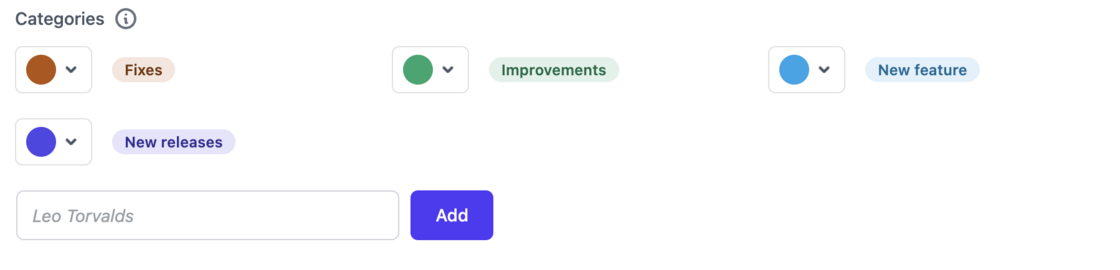
- NEW Badges for New Tools: A NEW badge appears on the Changelogs and Glossaries menu items until each administrator opens them, so nothing new slips past your team.
Enhancement
📈 What’s Improved
Leaner Front-End Loading:
- Assistant Loads Only When On: The assistant’s front-end scripts and styles no longer load on every page when the assistant is switched off — keeping every page faster for your readers.
Fix
🛠️ What’s Fixed
A More Reliable Assistant Widget:
- FAQ on Docs Home Now Works: The “Show FAQ on Docs Home” setting had no effect while Pro was active — it now behaves as expected.
- No More Console Errors: Three front-end scripts were throwing console errors on every page — including Cloudflare Turnstile with no site key — and are now silent.
- Working Result Links: The assistant widget’s result cards linked to a page that did not exist; they now point to the right doc.
- Correct Styling Everywhere: The assistant widget opened unstyled on pages other than docs, and lost some or all of its colours when its saved palette was empty or incomplete — both are fixed, so it looks right wherever it appears.
Respecting the Rest of Your Site:
- No More Style Bleed: weDocs styles no longer change checkboxes, radio buttons and dropdowns on single docs.
- Full-Range Colour Picker: The colour picker cut off red, green and blue values above 99 — you can now pick the full range.
🧑💻 Developer Changelog
🚀 [New]: Glossary: define terms once and weDocs highlights them in your docs with a tooltip, with its own admin screen and style settings.
🚀 [New]: Connect weDocs to AI assistants like Claude or ChatGPT over MCP to create and update articles, tags, changelog, glossary and FAQs. Off until an administrator switches it on and approves each connection.
🚀 [New]: A NEW badge on the Changelogs and Glossaries menu items until each administrator opens them.
🛠️ [Improved]: The assistant's front-end scripts and styles no longer load on every page when the assistant is switched off.
🐞 [Fixed]: "Show FAQ on Docs Home" had no effect while Pro was active.
🐞 [Fixed]: Three front-end scripts threw console errors on every page, including Cloudflare Turnstile with no site key.
🐞 [Fixed]: Assistant widget result cards linked to a page that did not exist.
🐞 [Fixed]: The assistant widget opened unstyled on pages other than docs.
🐞 [Fixed]: The assistant widget lost some or all of its colours when its saved palette was empty or incomplete.
🐞 [Fixed]: weDocs styles no longer change checkboxes, radio buttons and dropdowns on single docs.
🐞 [Fixed]: The colour picker cut off red, green and blue values above 99.

Tareq, Founder & CTO at weDevs